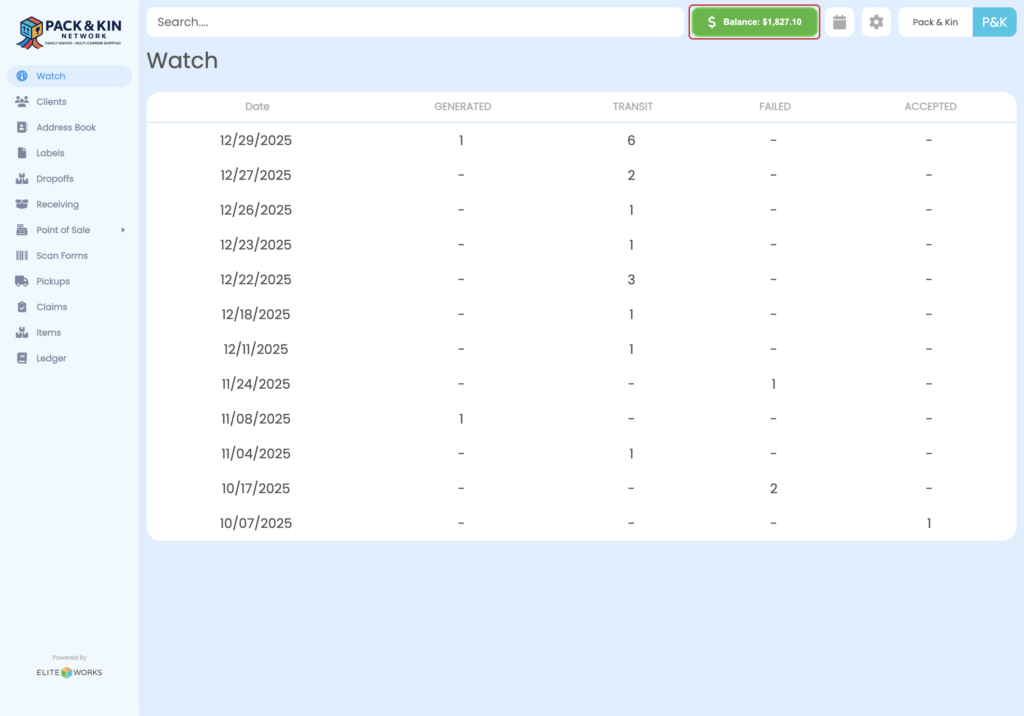
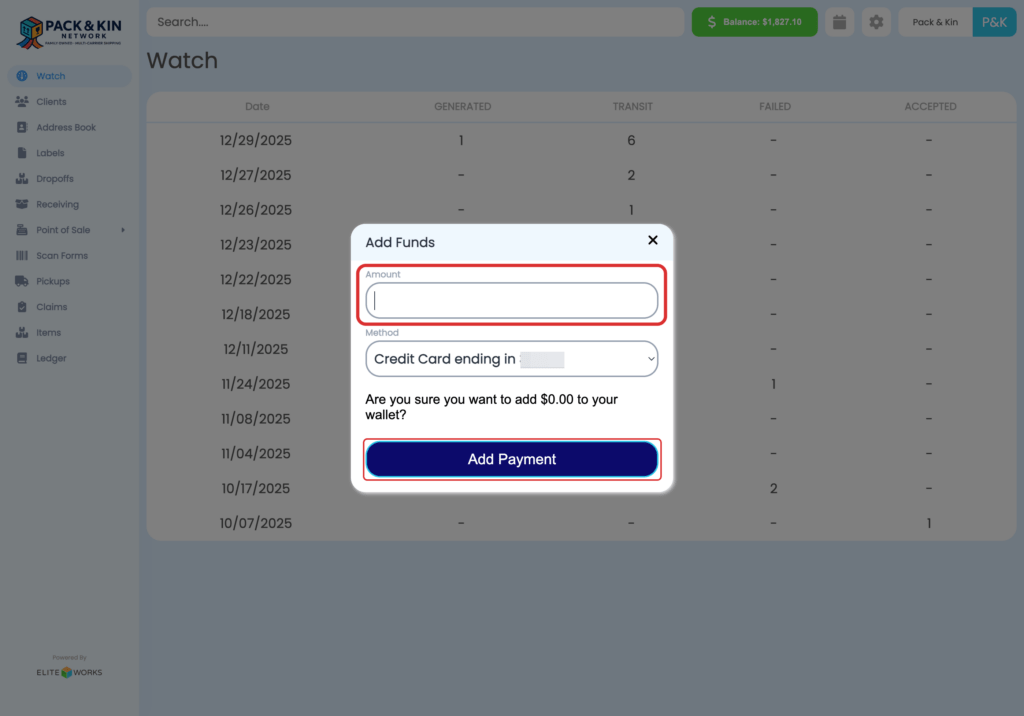
Select the Settings Icon. 2. Select Payment. 3. Select the Blue Plus button to add a card. 4. Fill out the following fields for ACH Bank Accounts: A: Select the Method: Bank Account or Credit Card B: Select the Type: Checking, Savings, or Business ...
Select the Settings icon in the top right corner of the display. 2. On the window that appears, select the Ship From Addresses button. 3. Select the Plus button on the window that displays on the right side of the screen. 4. Fill out the following ...
1. Click on Scan Forms 2. Click on the "New or "+" button 3. Select USPS from Carrier 4. Select the proper From Address, and verify the date, and users (if applicable) 5. Click Select All 6. Click on Add Scan Form 7. Print Scan Form on 8.5" X 11" ...
When setting up the Pack and Kin software for the first time, it is recommended that users perform the following functions to ensure that their accounts can accurately accept payment for shipments, set competitive pricing, and have access to the ...