Create Certified or Registered Class Letters
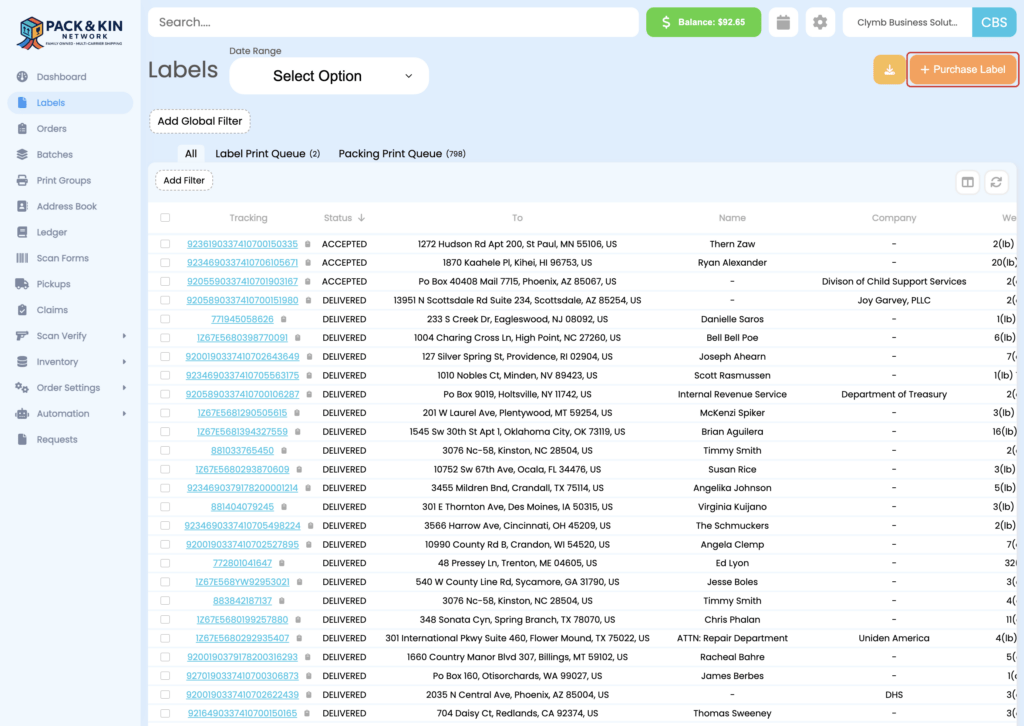
- Under the Labels menu, select Purchase Label.
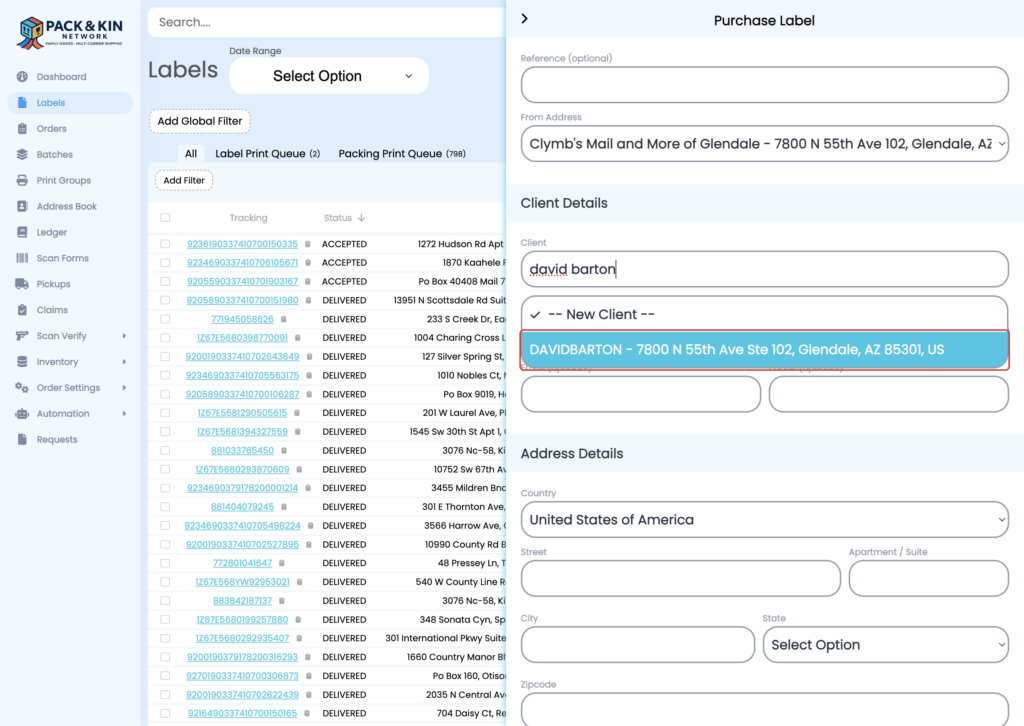
2. Select a pre-saved client or enter the client information into the designated fields.
When adding a new client, ensure the following fields are filled with the customer’s information for the person who will receive the package.
- Name (First and Last) or a Company name
- Email or Phone – This will automatically notify the customer of shipping updates. If no immediate email or phone is available, you can enter the contact information for the customer sending the package.
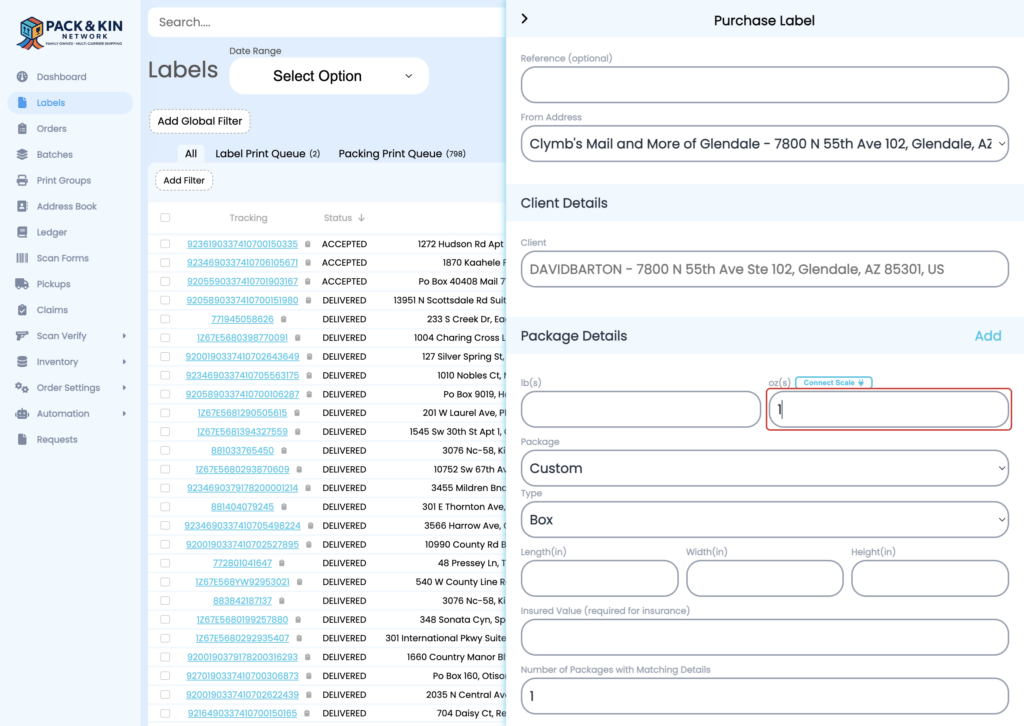
3. Place the letter on the scale and enter the weight of the letter as measured by the scale.
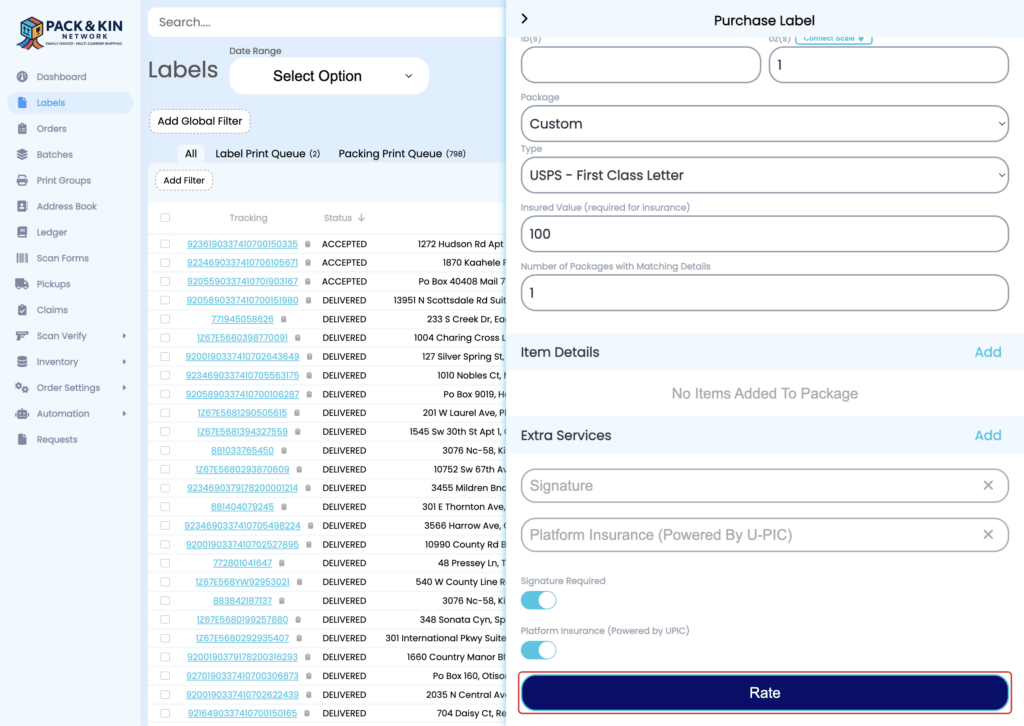
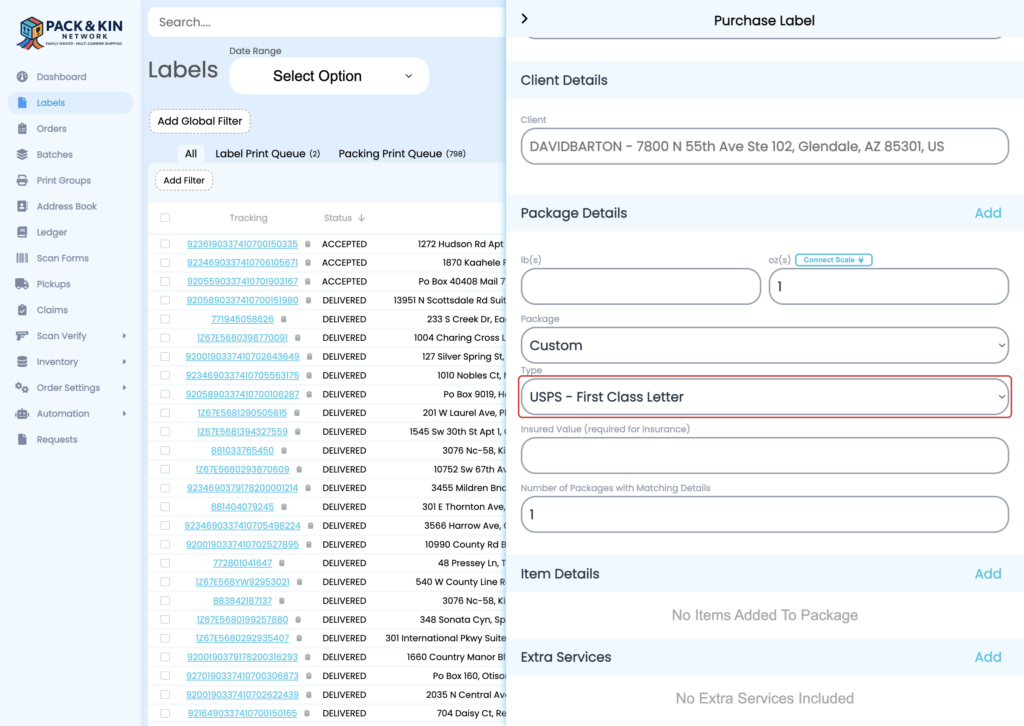
4. Select USPS – First Class Letter from Type.
This notifies the software that this parcel is a letter requiring postage. If the letter weighs more than 13 ounces, please select USPS First-Class Flat letter.
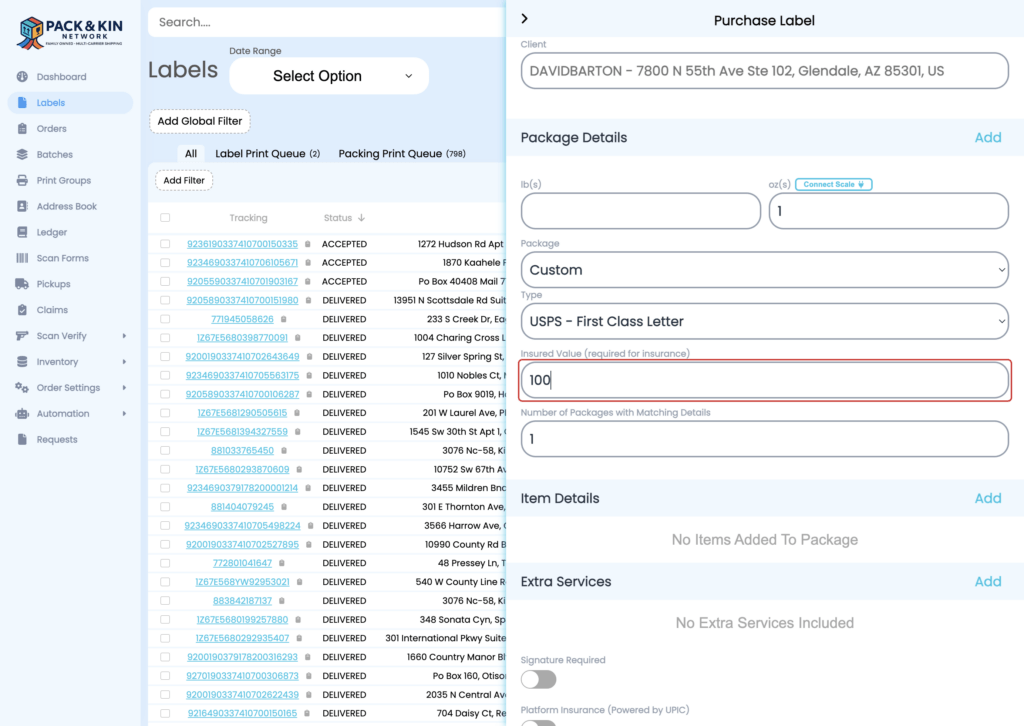
5. Enter an insurance value for the item being shipped.
The Pack & Kin software includes an automatic $100 insurance policy on all packages sent through the software.
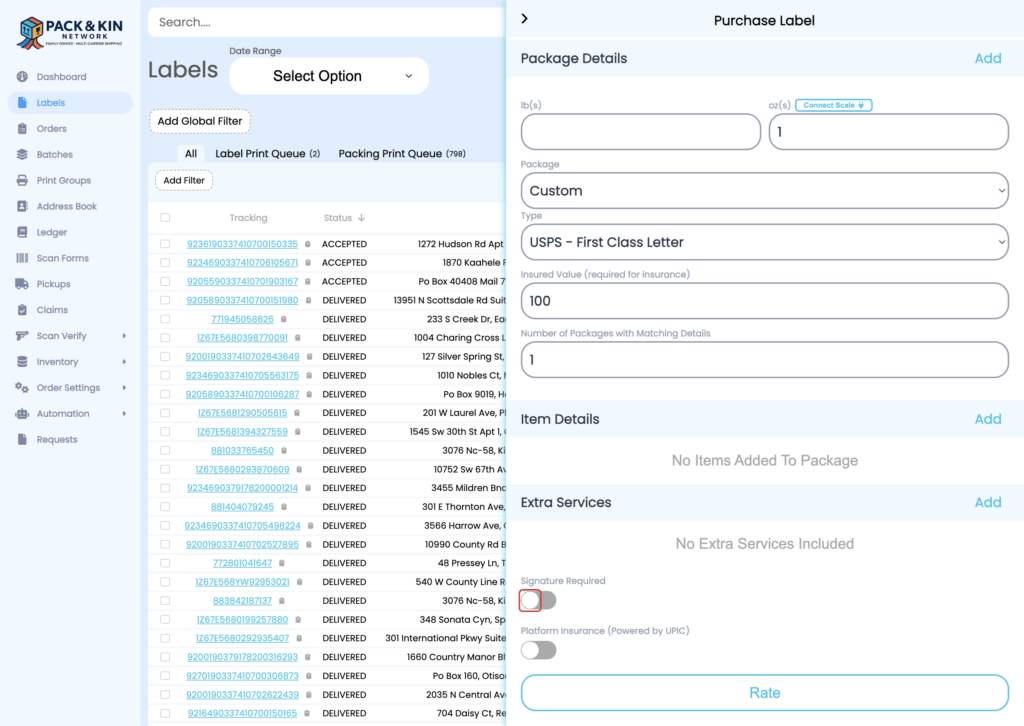
6. Select the Certified Mail toggle under Extra Services. You can also select signature restricted if needed.
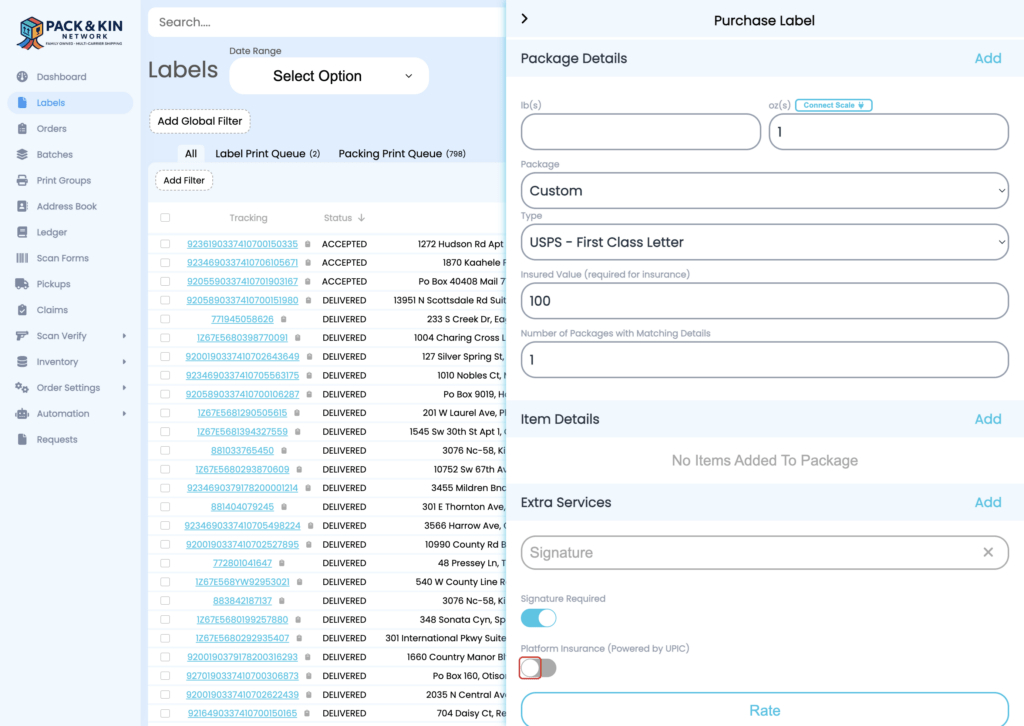
7. Select the Platform Insurance toggle to attach the Pack & Kin insurance policy to the parcel.
8. Select Rate to generate a price.