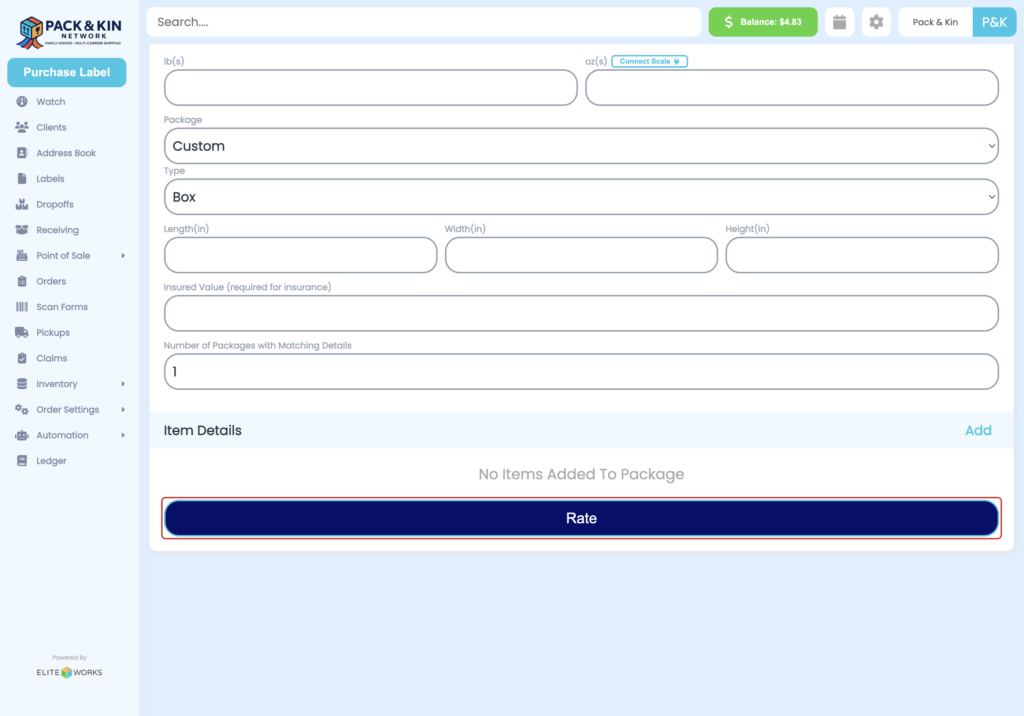
Purchase A Label
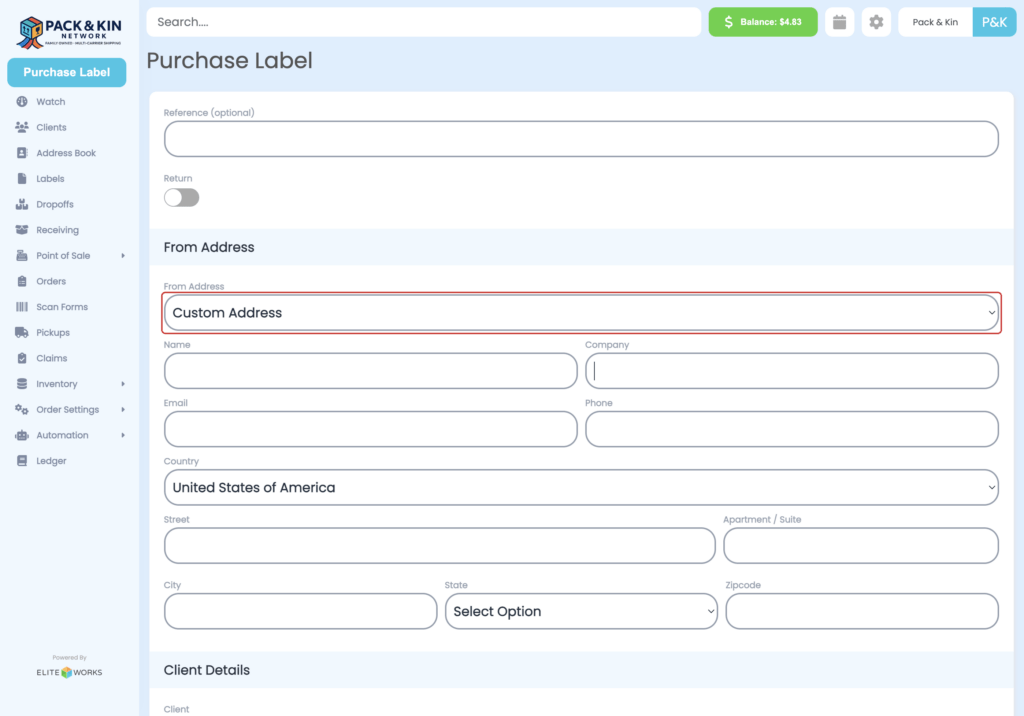
- Select Custom Address from the From Address field.
2. Enter the information for the customer standing in front of you into the following fields:
A. Name of the individual or Company sending the item
B. Email or Phone of the customer for post shipment handling
C. Origin Country of Shipment
D. Street Address
E. City
F. State
G. Zipcode

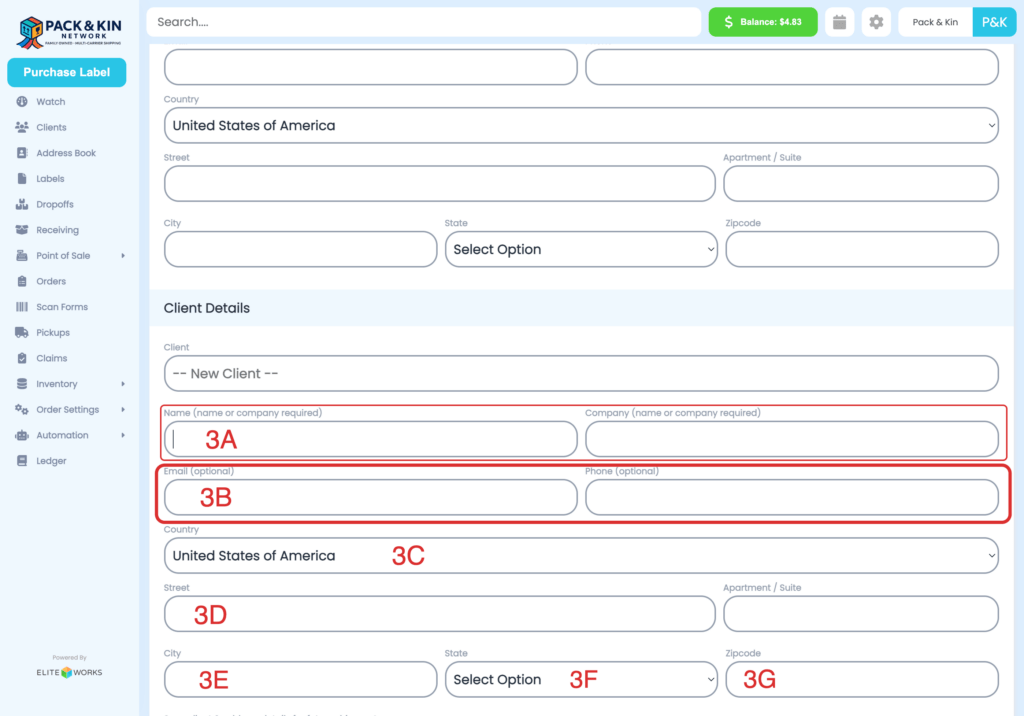
3. Under Client Details, enter the information for the individual or business receiving the shipment into the following fields:
4. Select the toggle for Platform Insurance (Powered by UPIC) to attach insurance protection to the shipment.
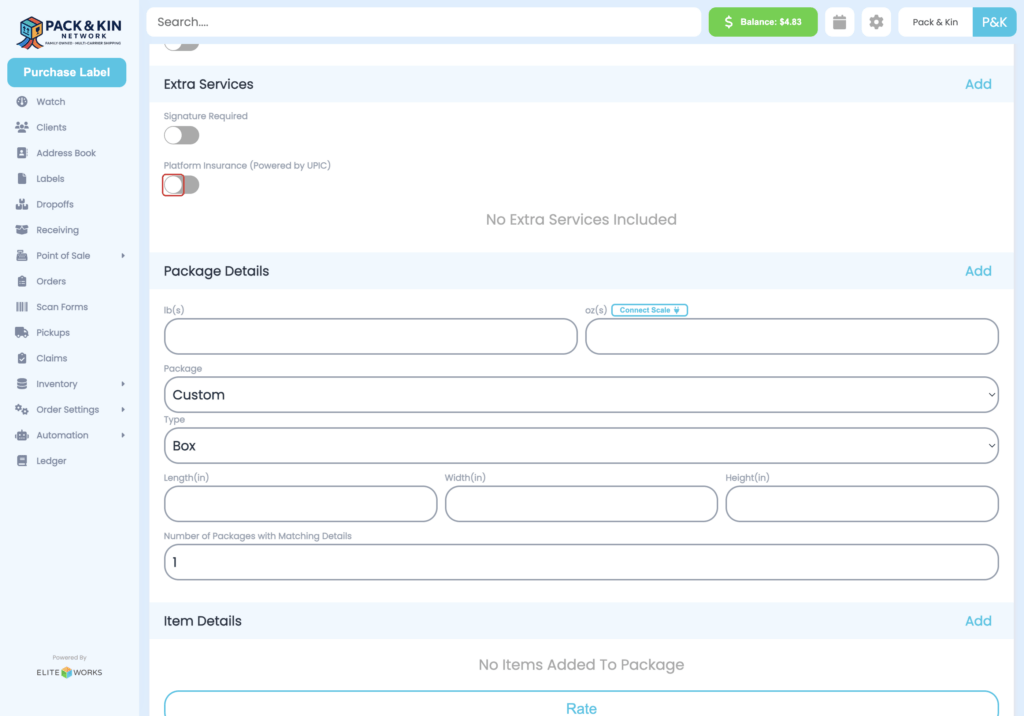
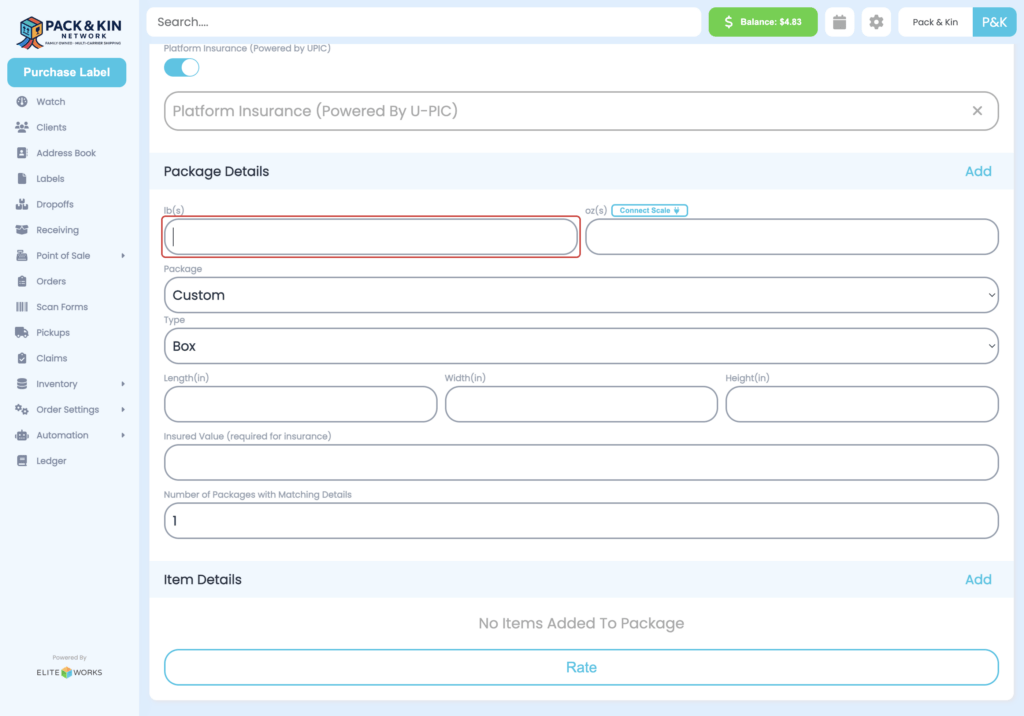
5. Enter the weight and dimensions for the shipment.
If a scale is connected, the weight will automatically populate.
6. Once all fields have been filled, select Rate to see shipping options.